Super Beach Ball
IMPORTANT
PLEASE PLAY THE TUTORIAL, the base controls won't make sense unless if you actually learn how to use them in the tutorial game mode!
You may encounter some lag when you start up the browser version and when you start playing for the first time. It seems to go away after a bit, so don't worry if it doesn't seem to load at first, especially if your computer isn't very fast.
If you run into issues with the screen resolution (part of the screen being weird, not loading, etc.) please let me know! I tried to set it up so that there will be black borders around the edges if your screen size is irregular (not a 16:9 ratio, so if you go into display settings and find your screen size can't be divided by 16 and 9 for width and height respectively), but there might still be issues that I haven't seen yet due to the fact that I currently am using a 1920x1080 monitor.
The browser version has some weird graphical issues (lighting, particles, ETC.); I believe it is because of the way that godot 4 exports to HTML. The downloadable version should be fine, but if you are playing on browser, just note that the lighting and particles will be a bit wonky (and maybe other stuff I haven't noticed yet), and you can turn off particles in the option menu if you don't like them.
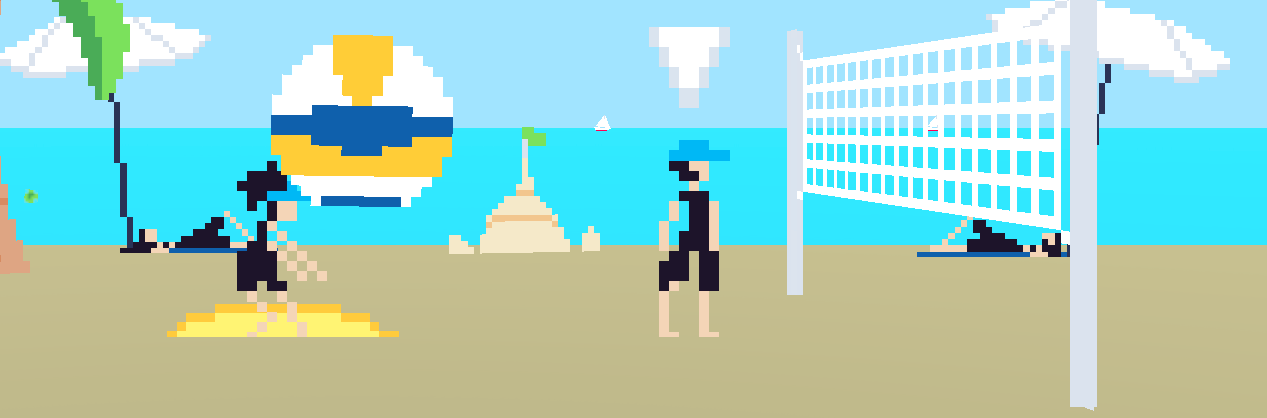
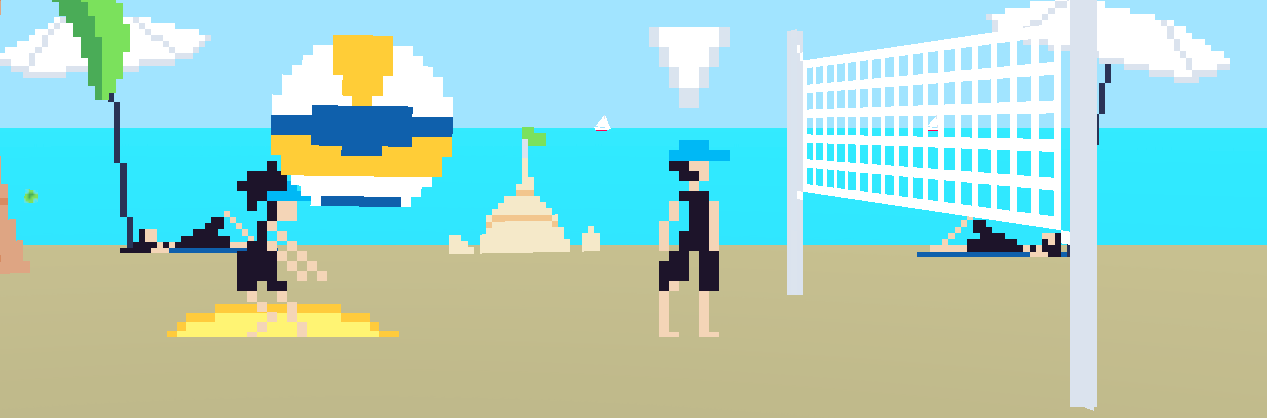
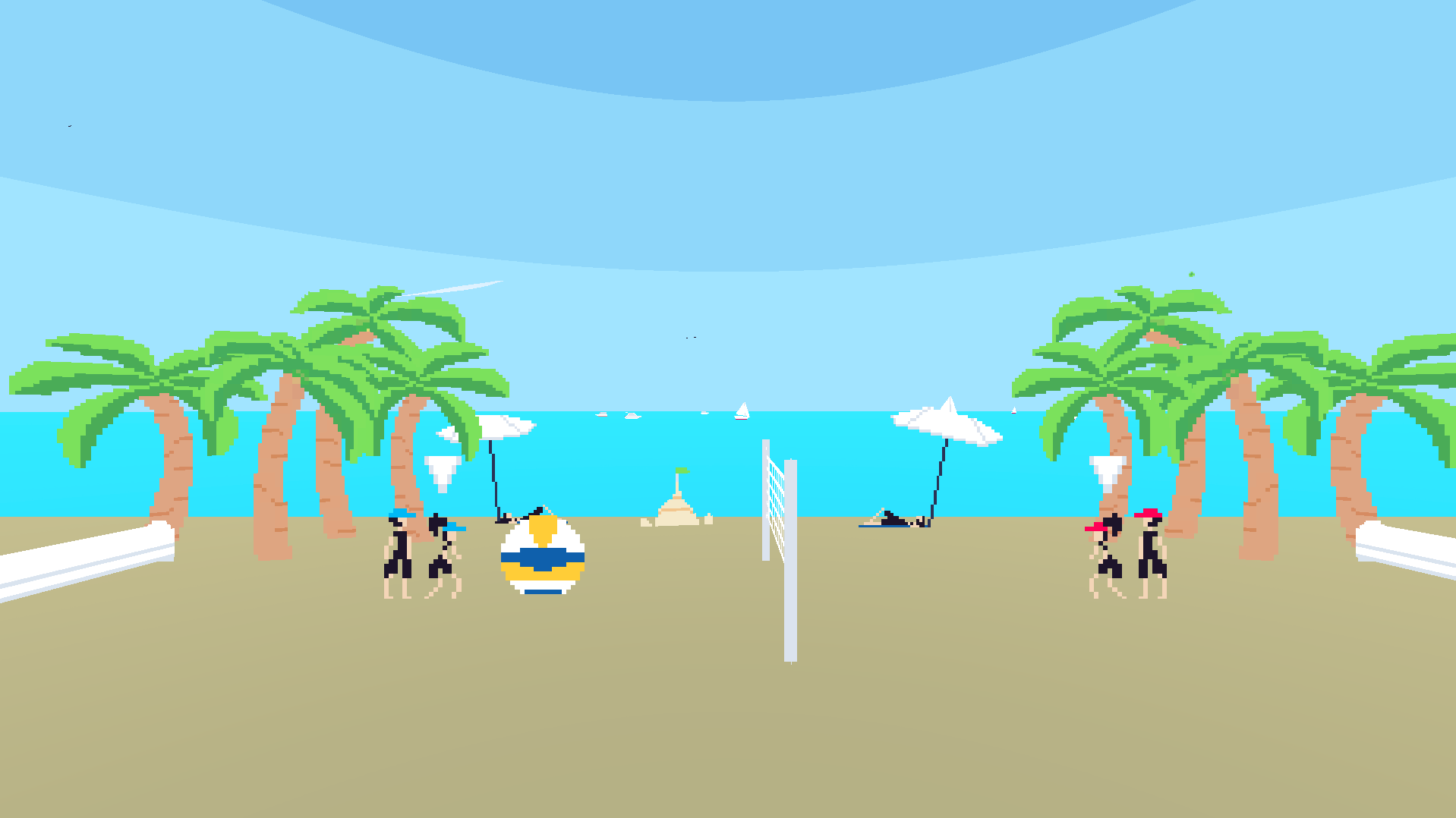
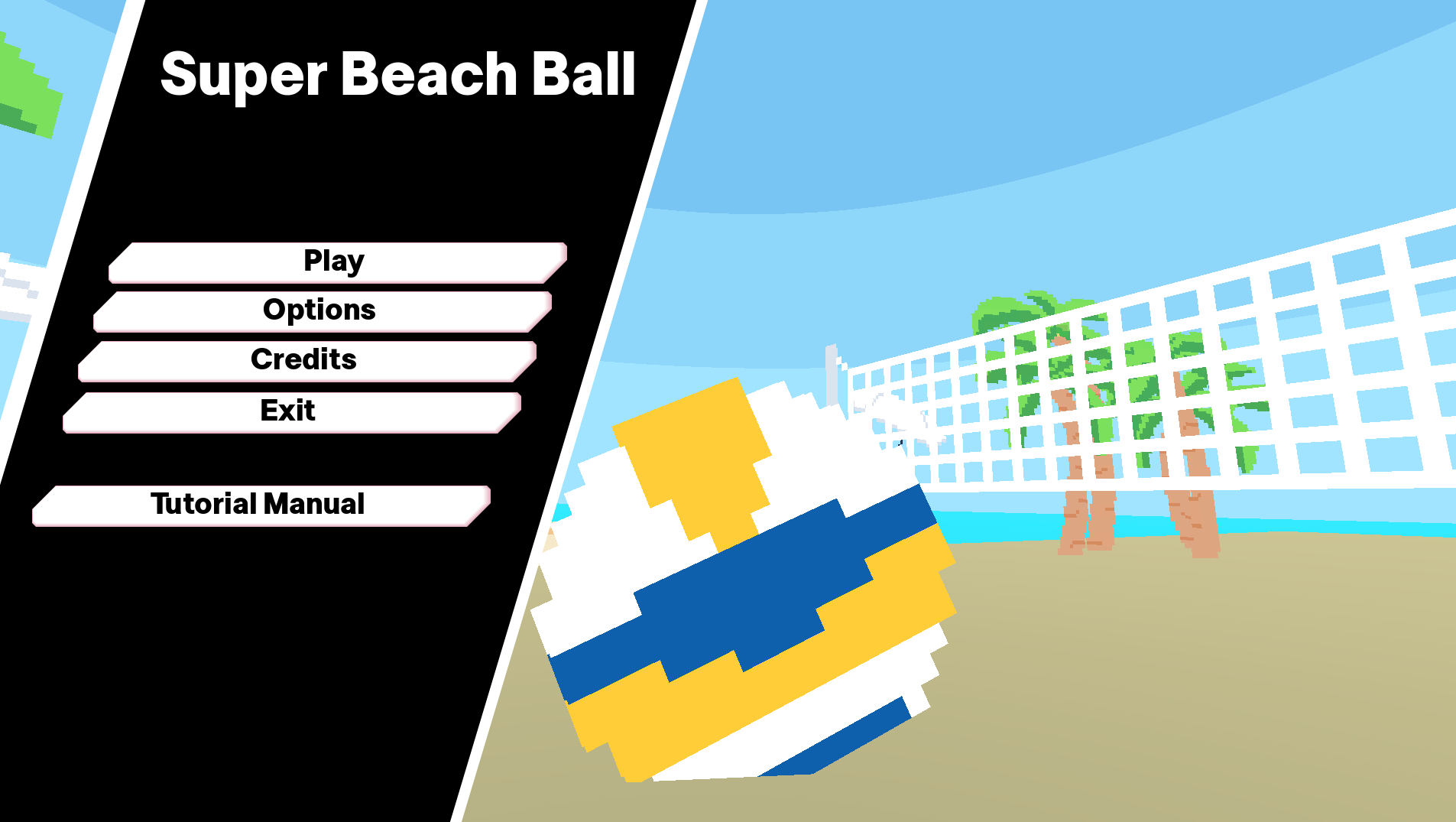
Super Beach Ball is a game where you can play beach volleyball with friends or against a computer.
Controls:
A and D to move the players, left and right arrow keys in local PVP to move the opposing team's players.
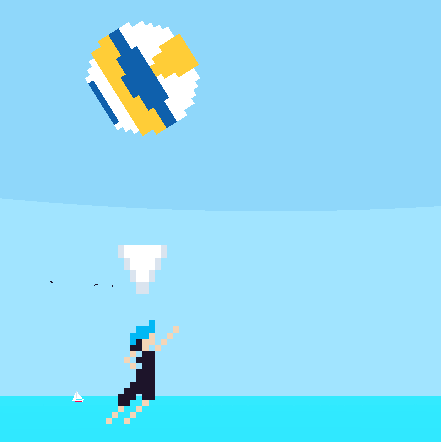
W to receive when controlling the receiver, jump and spike when controlling the spiker. You can hold A or D (or left/right arrow keys for local PVP) to hit the ball closer or further to the net. See in-game tutorial manual for more info.
ESC (or 1, since the ESC key will lead to exiting full screen on the browser version) to open the in game menu while playing a match
Mouse to press buttons, continue dialogue
There's also a BUNCH of useful stuff in the options menu; be sure to check it out and adjust the settings to how you like!
Additional things to note:
While the game is basically done (no more changes will be made to how the actual gameplay works), there are probably a good amount of bugs and other issues. If you encounter any problems, please tell me:
1. The situation it occurred in
2. What actually happened
And I'll try to fix it if I can!
The tutorial also isn't perfect yet, so if you find anything confusing or not specific enough, please let me know!
If you'd like to see the game's code and assets, you can go to the Github repository! It is under the MIT open source license, which basically means that you can use anything in it so long as you provide credit and include the license (or you can just look through and insult my terrible coding). https://github.com/Olebsbo/SuperBeachBall
Unfortunately, there aren't any localization options. If you don't speak english, I'm really sorry, but I'm just not very fluent in other languages. Although, admittedly you probably wouldn't be able to read this if you don't speak english, so uhhhh sorry bro ;('
AI was used in the making of this game, but it was primarily for research and syntax purposes. The only place that actually uses AI coding is the sky shader since I don't know anything about shaders :u Everything else (programming, music, art, sfx, etc.) was all either made by me or is mentioned in the credits of the game.
Finally, while they aren't included in the credits of the game, I want to thank all the playtesters that helped me (you guys know who you are)! Really, without you, I don't think I would have fixed nearly as many bugs or added nearly as many of the important features. Thank you so much!
Download
Install instructions
Web: Wow, it just runs in your browser! No download required, just click the play button thing on the viewport above (although, the web version is a little strange and seems to have some problems, mentioned above)
Windows: Once downloaded, you should see a zip folder. Unzip it, and then double click (run) the file inside called "SuperBeachBall" (don't run the one that says .console or the one that says .pck). You might encounter a window that says "windows protected your PC". This just happens in general when windows detects an app that it doesn't know, but you should still remember the importance of internet safety! If you trust me, then press the "more info" button, and then a button should appear at the bottom that says "run anyways," and you should be able to play the game! If you don't trust me, then you can just run the web version.
Linux: Uhhh I don't have a linux computer, so I can't confirm exactly how it works, but I believe it should be similar to Windows. You should get a zip file, so unzip it, then it seems like you're supposed to run the "SuperBeachBall.x86_64" file, either through the GUI or a command line depending on what you have in your Linux distro.
Mac: I don't own a Mac either, so again, I can't confirm this. I think there's a possibility of it getting blocked from running because I'm not an apple authorized app developer. If you're willing to go the extra mile, it seems you can change a setting in System Preferences -> Security and Privacy -> "Open Anyway". Then, when you download, you should get a zip file which you will extract, then you go into the folder called "SuperBeachBall.app", then "Contents," then "MacOS," and there should be a file you can run called "SuperBeachBall". Again, sorry about how complicated this is, but I can't avoid these problems without having the Apple Developer Program which I don't plan on buying.
Leave a comment
Log in with itch.io to leave a comment.